
Description
Product Overview
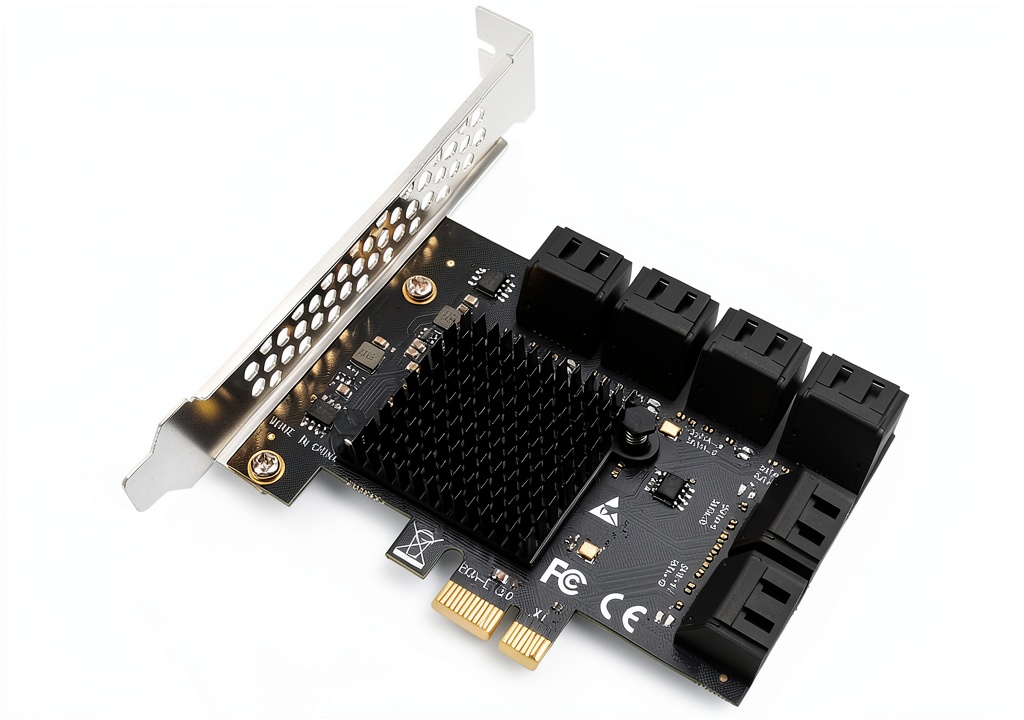
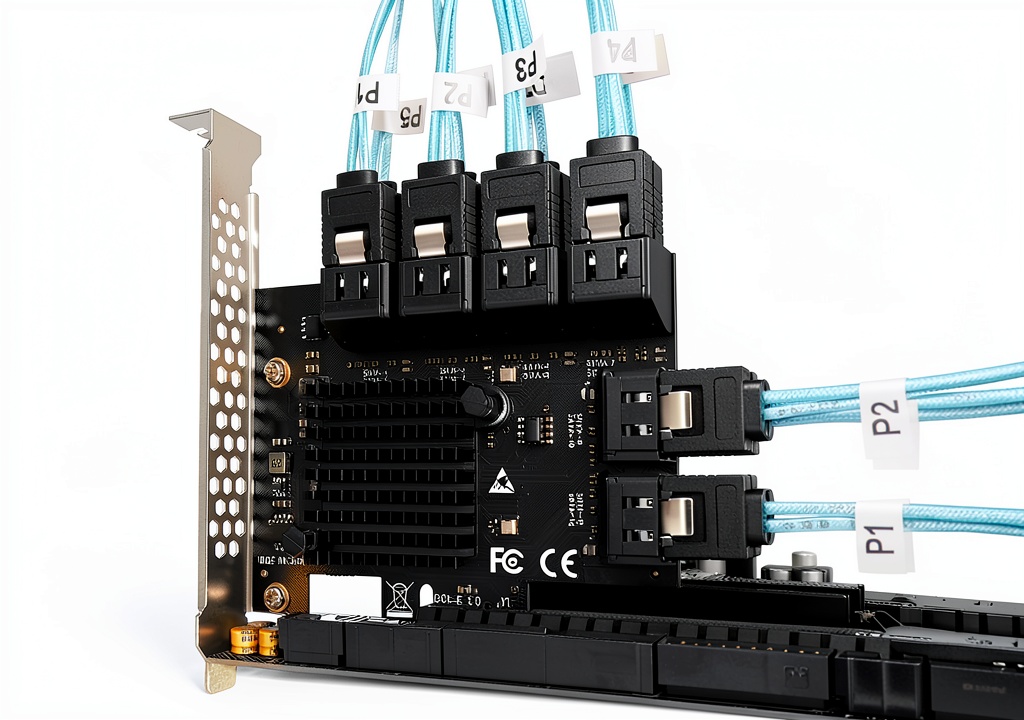
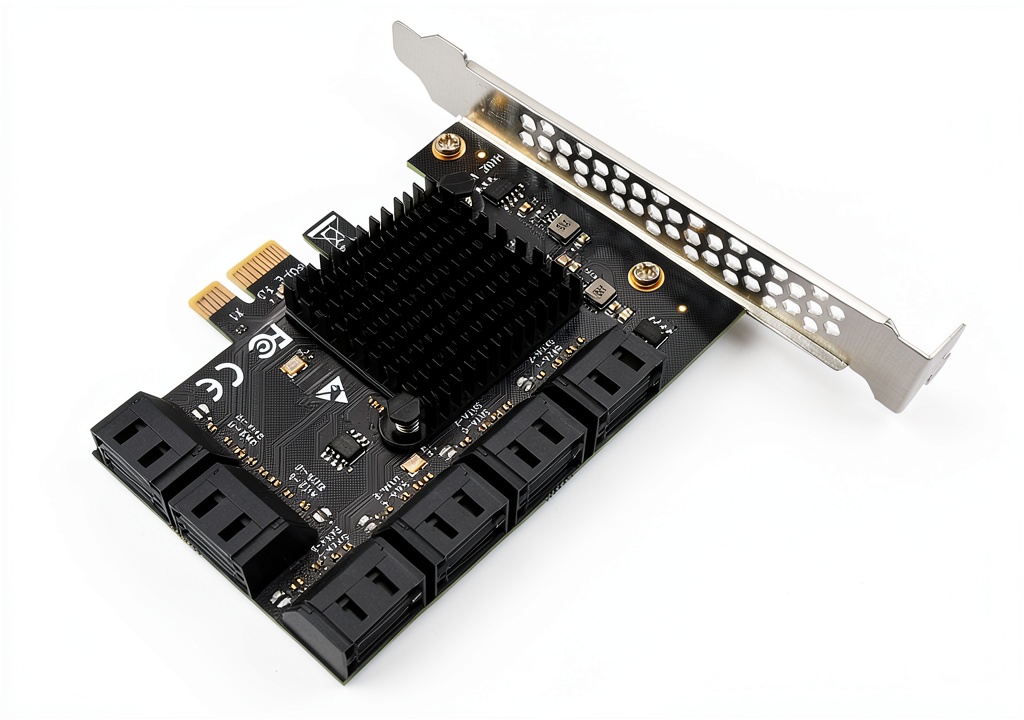
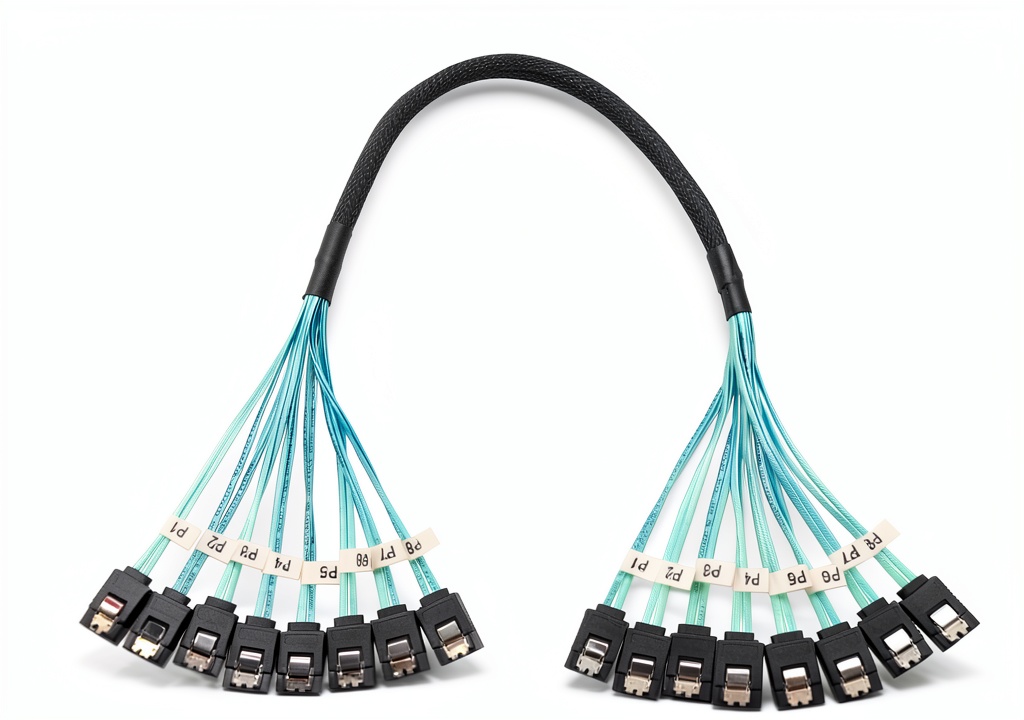
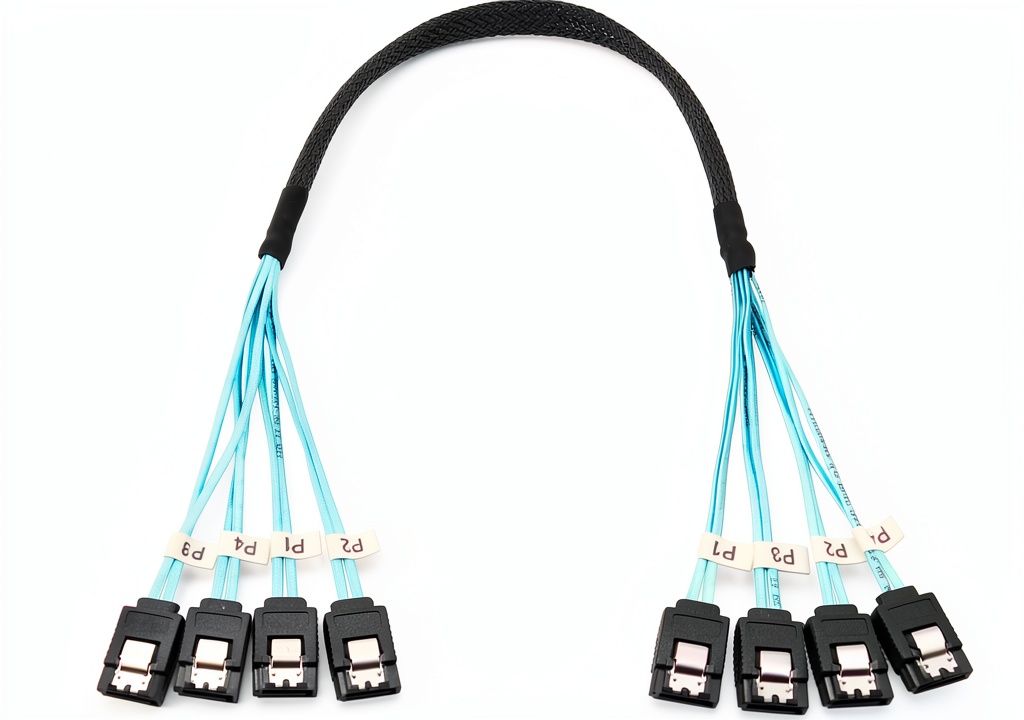
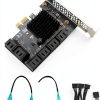
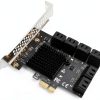
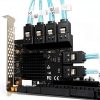
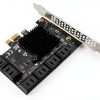
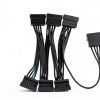
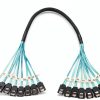
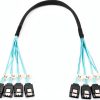
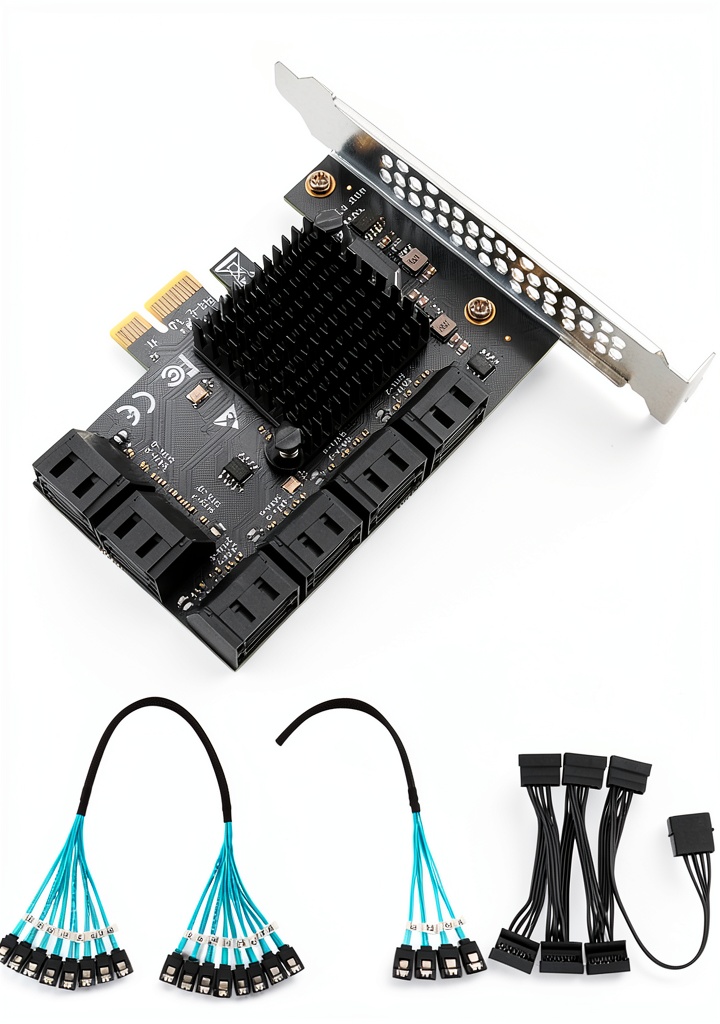
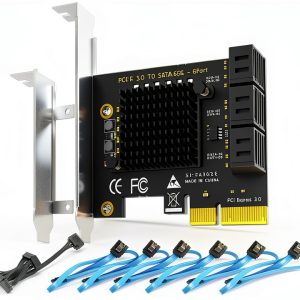
The Trotwei Blue FH46S PCIe SATA expansion card is engineered to give desktop computers, workstations and small servers a powerful and flexible storage solution. By using a standard PCIe x1 slot, the card expands a single slot into up to twelve independent SATA 3.0 connections, each capable of 6 Gbps data transfer. The design follows the SATA 3.0 specification, ensuring that any attached solid‑state drive or traditional hard disk can operate at its maximum rated speed. The card measures 4.72 × 3.70 × 2.30 inches and weighs only 9.8 ounces, making it a compact addition that does not interfere with other components. Its metal chassis provides solid shielding against electromagnetic interference, while the integrated SATA connectors are positioned for easy cable routing. The FH46S is compatible with a wide range of operating systems, including Windows 10, Windows 11, various Linux distributions and Ubuntu, allowing seamless integration into existing environments. The bundled SATA cable options – ranging from twelve‑port bundles to twenty‑port bundles – simplify installation and reduce clutter inside the case. Whether you are building a high‑performance gaming rig, a data‑intensive workstation, or a cost‑effective NAS, the FH46S delivers reliable, high‑speed connectivity that scales with your storage needs.
Beyond the basic port count, the FH46S incorporates a high‑quality controller that supports Native Command Queuing (NCQ) and hot‑swap capability, allowing drives to be added or removed without powering down the system. The card’s firmware is optimized for low latency, delivering consistent throughput even when multiple drives operate concurrently. Electrical design includes over‑voltage protection on each SATA line, safeguarding connected devices against power spikes. The card also features a low‑profile bracket that can be swapped for a full‑height bracket, giving installers the flexibility to fit the card into a variety of case sizes. All components are RoHS‑compliant, meeting environmental standards for lead‑free manufacturing.
Usage
The FH46S shines in scenarios where multiple drives need to be accessed simultaneously. In a home media server, users can connect a dozen SSDs to store a large library of 4K video files, ensuring smooth playback without buffering. In a professional workstation, engineers and designers can attach several fast SSDs for rapid access to large project files, CAD models and simulation data. Small business servers benefit from the ability to add extra SATA drives for backup, archival or database storage without requiring additional PCIe slots. The card also works well in test labs where a variety of operating systems are evaluated; its OS‑agnostic driver support means the same hardware can be used across Windows, Linux and Ubuntu test rigs. Installation is straightforward: insert the card into an available PCIe x1 slot, secure it with a screw, and connect the desired number of SATA cables. The bundled cable kits include zip ties and cable management accessories, allowing a tidy build that promotes airflow and reduces heat buildup. The FH46S is ideal for users who need to expand storage capacity while keeping the system footprint small and the cost low.
In a virtualized environment, the FH46S enables each virtual machine to be assigned its own dedicated SSD, eliminating I/O contention and improving overall system responsiveness. For example, a developer running several containers can allocate separate high‑speed storage to each container, ensuring that build processes and database queries do not interfere with one another. The card also proves valuable in video editing workstations, where raw footage from multiple cameras can be streamed simultaneously to separate drives for real‑time editing without frame drops. Additionally, the compact form factor allows the FH46S to be installed in small form‑factor (SFF) cases that still require multiple SATA connections, making it a versatile choice for compact home servers or HTPC builds.
Why Choose Us
Trotwei Blue has a reputation for delivering high‑quality computer components that balance performance, reliability and affordability. The FH46S is manufactured in a clean‑room environment, and each unit undergoes rigorous testing for signal integrity, thermal performance and mechanical durability. The metal housing not only protects the circuitry but also acts as a heat sink, dissipating any excess heat generated during intensive data transfers. Our engineering team designed the card with a focus on compatibility, ensuring that the firmware works seamlessly with the latest BIOS versions and operating system kernels. In addition to the robust hardware, Trotwei Blue provides comprehensive technical support, including detailed installation guides, firmware updates and a responsive customer service team that can assist with troubleshooting. The product carries a one‑year limited warranty, giving customers confidence that their investment is protected. By choosing the FH46S, you benefit from a proven solution that has earned a solid rating from users, reflected in a 4.2‑star average review score and a best‑seller rank within the Network I/O Port Cards category.
Trotwei Blue’s commitment to quality extends to the supply chain, where each component is sourced from vetted manufacturers and undergoes batch‑level testing for consistency. The FH46S benefits from a rigorous quality assurance process that includes burn‑in testing at elevated temperatures to verify long‑term reliability. Customers also receive access to an online knowledge base that contains detailed FAQs, firmware release notes and step‑by‑step installation videos. For enterprise buyers, volume discounts and custom firmware options are available upon request, allowing integration into larger storage solutions. This comprehensive support ecosystem ensures that the FH46S not only meets technical specifications but also delivers a hassle‑free ownership experience.
Key Features
- Expand a single PCIe x1 slot into twelve high‑speed SATA 3.0 ports for versatile storage growth.
- Deliver up to 6 Gbps per port, allowing SSDs to reach their full performance potential.
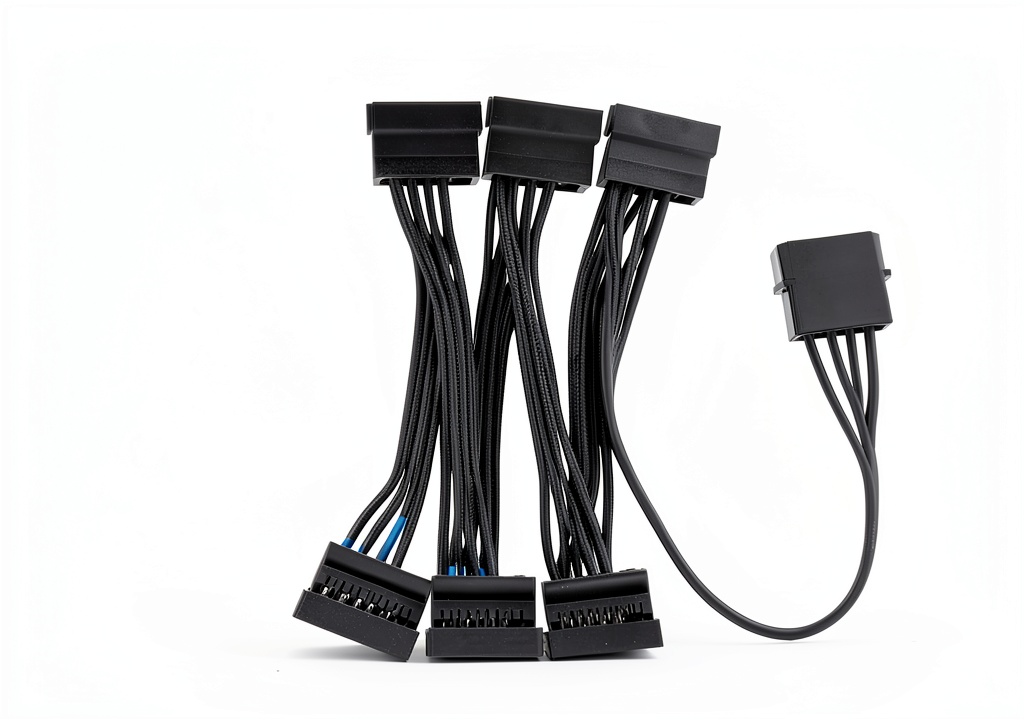
- Include bundled SATA cable kits that simplify wiring and keep the interior of the case organized.
- Compatible with Windows, Linux and Ubuntu, making it suitable for a wide range of desktop and server applications.
- Backed by Trotwei Blue’s dedicated after‑sales support and a one‑year warranty for peace of mind.
FAQ
Can the FH46S be used in a laptop with a PCIe slot?
The FH46S is designed for desktop‑class motherboards that expose a standard PCIe x1 slot. Most consumer laptops do not provide an accessible PCIe slot; they typically use M.2 or proprietary connectors for internal expansion. Even in the few laptop models that include a removable PCIe slot, the physical dimensions of the FH46S (approximately 4.7 × 3.7 × 2.3 inches) exceed the space available inside a laptop chassis, and the card’s mounting holes are not compatible with laptop mounting brackets. For users who need high‑density SATA connectivity on a laptop, a USB‑to‑SATA docking solution or an external enclosure is a more practical approach. If you have a workstation‑class laptop with a full‑size PCIe slot and sufficient clearance, you could theoretically install the FH46S, but you would still need to verify power delivery and BIOS support. In general, the product is intended for desktop, tower, and server systems where a PCIe slot is readily available. Additionally, the card draws power from the motherboard’s PCIe slot, so no extra power connectors are required, simplifying installation in compatible systems.
Do I need to install drivers for the card?
Because the FH46S uses a standard SATA controller chipset, most modern operating systems already contain the necessary drivers to recognize and operate the attached drives. In Windows 10 and Windows 11 the card is detected automatically and appears as a set of new SATA ports in the Device Manager, ready for use without any additional software. Linux distributions such as Ubuntu, Fedora and Debian also include the appropriate kernel modules, so the drives are visible under /dev/sd* after the card is powered up. The only time a driver update may be required is when a firmware revision is released to improve compatibility with newer motherboards or to address rare edge‑case bugs. Trotwei Blue provides these firmware files on its support website, and they can be applied using a simple command‑line utility or a Windows executable. For users who prefer a graphical interface, Trotwei Blue supplies a Windows utility that can display real‑time temperature and throughput statistics for each attached drive.
What is the maximum number of drives I can connect?
The FH46S provides twelve native SATA 3.0 ports, each of which can be connected to an individual SSD, HDD or hybrid drive. This means the maximum number of drives you can attach directly to a single card is twelve. If your storage requirements exceed this number, you have a couple of practical options. One approach is to install a second FH46S card in another free PCIe x1 slot, effectively doubling the available ports to twenty‑four, provided your motherboard has the necessary slots and power capacity. Another method is to use external SATA expanders or enclosures that connect to one of the card’s ports and provide additional downstream connections, though this may introduce a small amount of latency. It is also important to consider the power draw of the attached drives; while the FH46S itself consumes only about five watts, each SSD typically adds around 2–3 watts, and a 3.5‑inch HDD can draw up to 7–9 watts. Ensuring that your power supply can handle the cumulative load will prevent stability issues. When planning a multi‑card configuration, be sure to stagger the SATA cables to avoid excessive bending, which can degrade signal quality over time.
Is the card compatible with RAID configurations?
The FH46S itself does not embed a hardware RAID controller; it simply presents each SATA port as an independent disk to the operating system. However, this does not prevent you from creating RAID arrays using software solutions that are built into most modern OSes. In Windows, the Storage Spaces feature can group several physical drives into a mirrored, striped or parity set, providing redundancy or performance benefits as needed. Linux offers the mdadm utility, which is a powerful command‑line tool for assembling RAID 0, RAID 1, RAID 5, RAID 6 and even RAID 10 configurations from the drives attached to the FH46S. Ubuntu users can also take advantage of the built‑in Disk Utility or the command‑line mdadm for similar purposes. When configuring software RAID, it is important to ensure that the underlying SATA controller operates in AHCI mode, which the FH46S supports by default. Additionally, keep in mind that software RAID will consume CPU cycles, especially for parity‑based levels, but on a modern processor the impact is typically minimal. Software RAID also allows you to migrate data between drives without downtime, as the array can be reshaped or expanded while the system remains online.
How does the card handle heat during heavy data transfers?
The FH46S is built with a solid aluminum enclosure that serves as a passive heat sink, spreading the modest heat generated by the SATA controller across a larger surface area. The card’s power consumption is typically around five watts under normal load, and even during sustained high‑throughput transfers the temperature rise remains within safe limits for most chassis environments. Proper airflow inside the computer case further assists in keeping the component cool; the card’s low profile design allows it to sit close to the case side panel where cool air can pass over the metal surface. The bundled cable kit includes zip ties and routing clips that help you organize the SATA cables, preventing them from obstructing fans or blocking ventilation pathways. For mission‑critical deployments, monitoring tools can be configured to alert administrators if the card’s temperature exceeds a predefined threshold, ensuring proactive cooling measures. If you plan to populate all twelve ports with high‑performance SSDs and run continuous data streams, it is advisable to verify that your case has at least one intake fan positioned near the front and one exhaust fan at the rear to maintain a steady airflow. In extreme scenarios, such as a densely packed server rack, you may consider adding a small active fan directly onto the card’s heat‑sink using a standard 40 mm fan mount, though this is rarely necessary for typical desktop use. Overall, the combination of passive cooling, low power draw and good cable management ensures that the FH46S remains thermally stable even under heavy workloads.
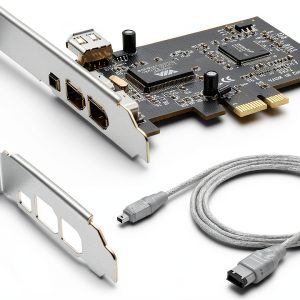 LBSC PCI-E 1X to 1394a FireWire Card – 800Mbps High Speed Plug and
Reviews
There are no reviews yet.