
Description
Product Overview
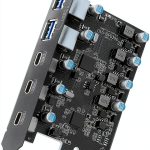
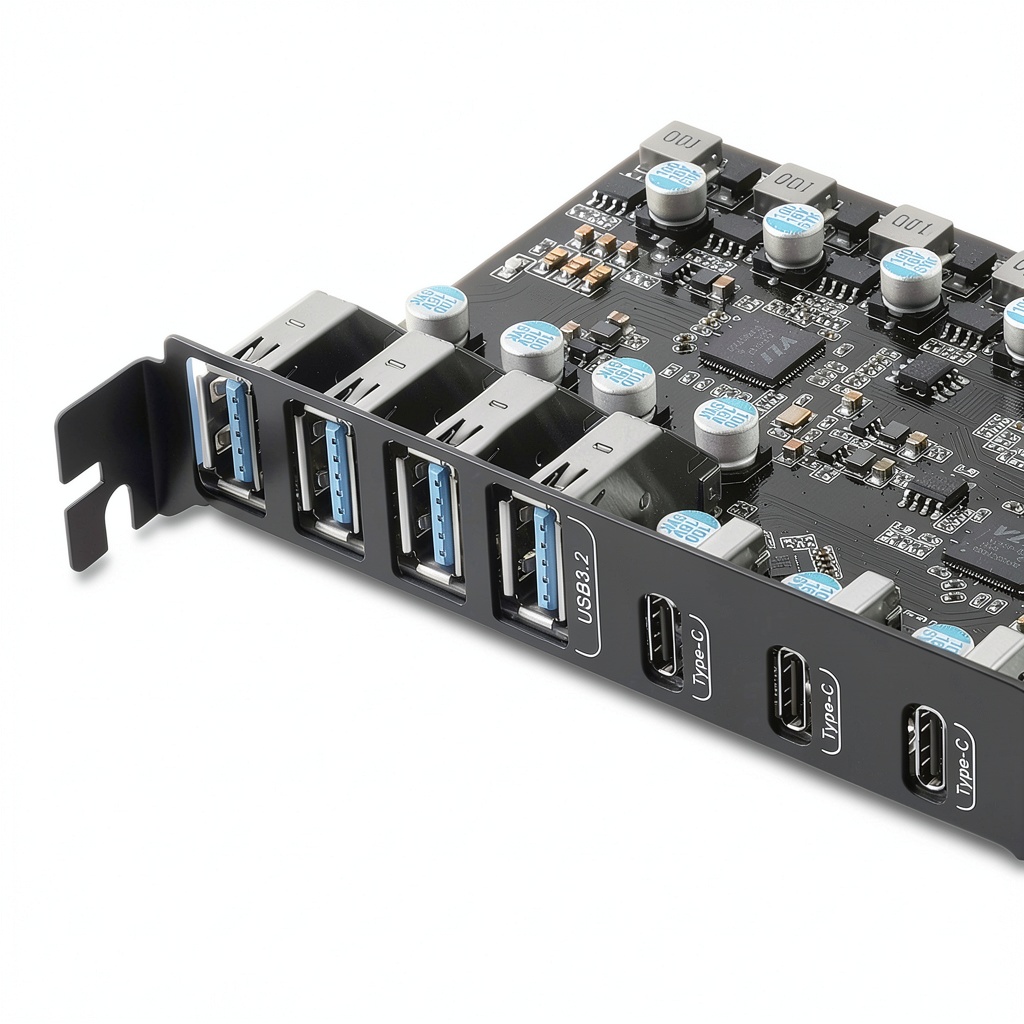
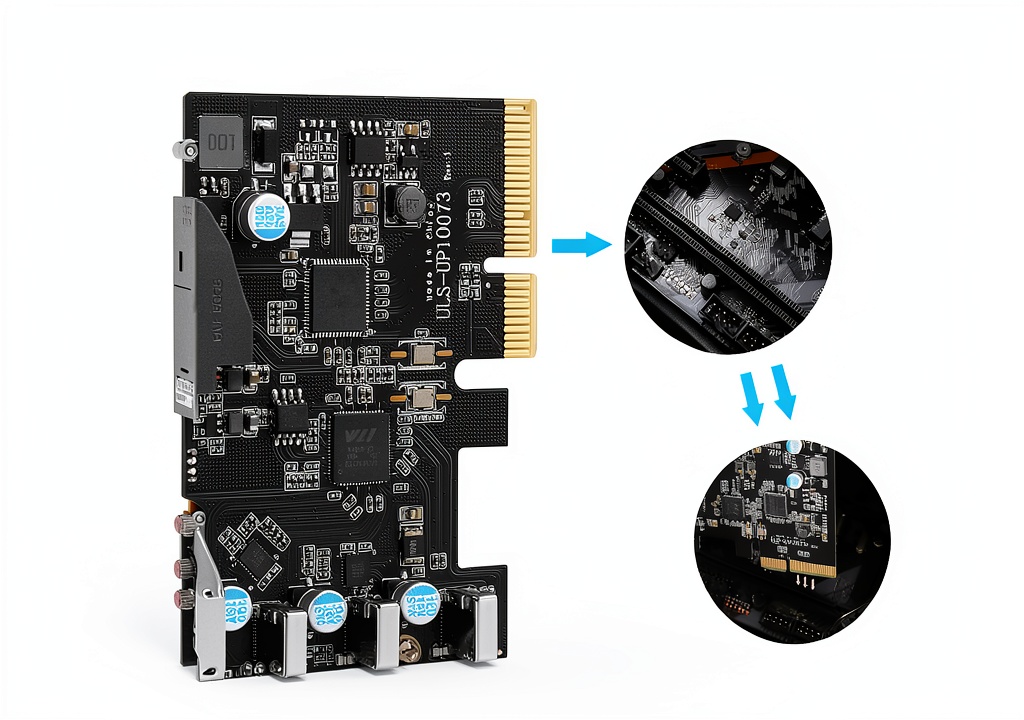
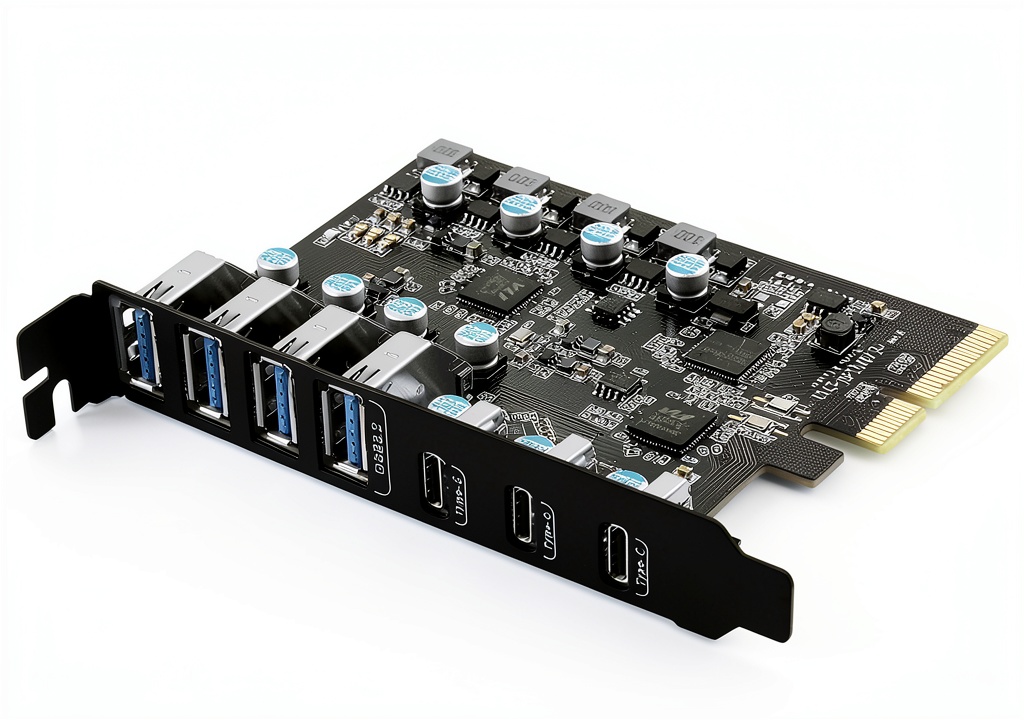
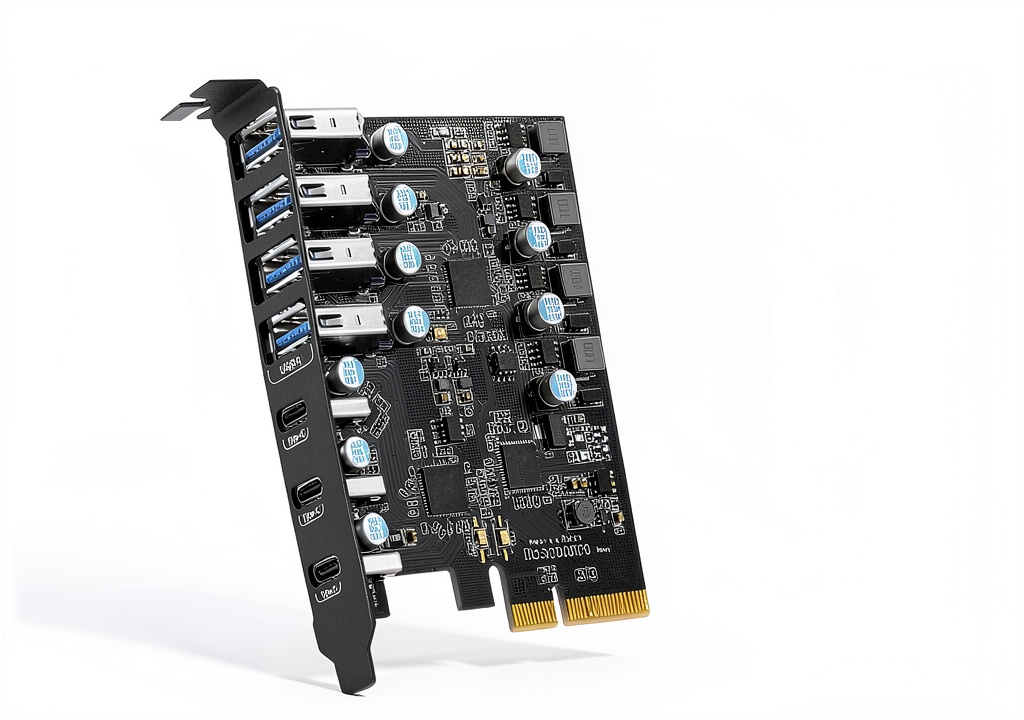
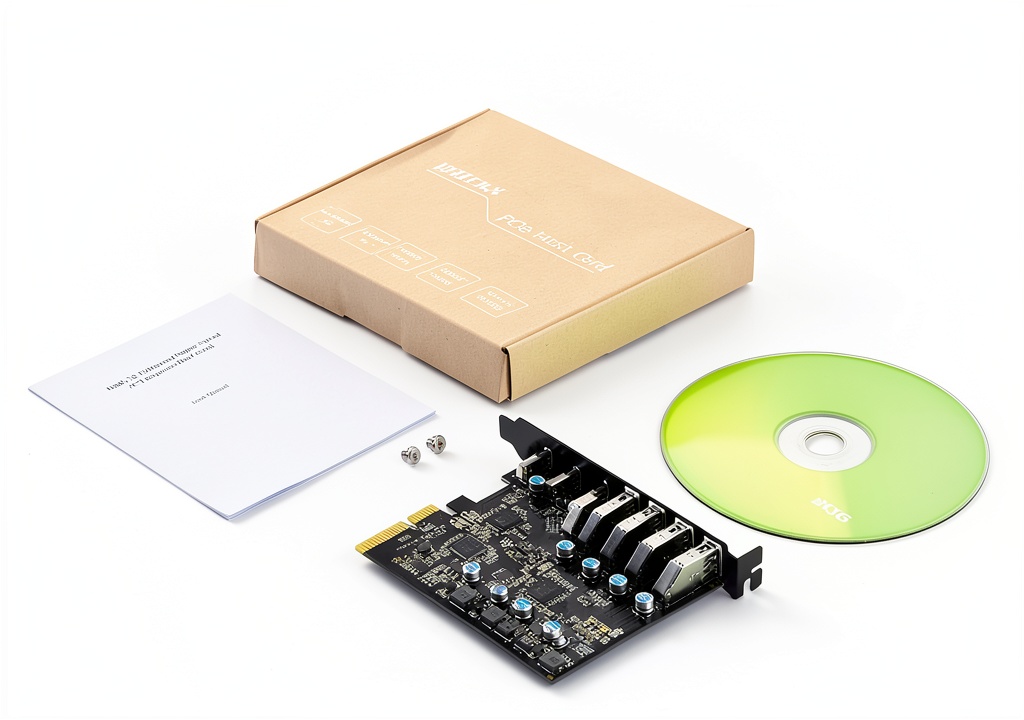
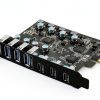
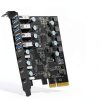
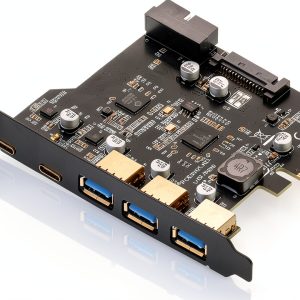
The FANBLACK USB 3.2 Gen 2 PCIe expansion card brings seven high‑performance USB ports to any compatible desktop. Four USB Type‑A ports and three USB Type‑C ports are housed on a low‑profile card that fits into a standard PCI‑Express slot. Each group of ports shares a dedicated 10 Gbps lane, providing a total bandwidth of up to 20 Gbps. The card draws power directly from the motherboard, eliminating the need for an external power brick.
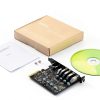
![[Product front view showing all components]](https://www.shopexpos.store/wp-content/uploads/2026/06/fd1ecfeaada64273926cc774ceaee400.jpg)
Usage
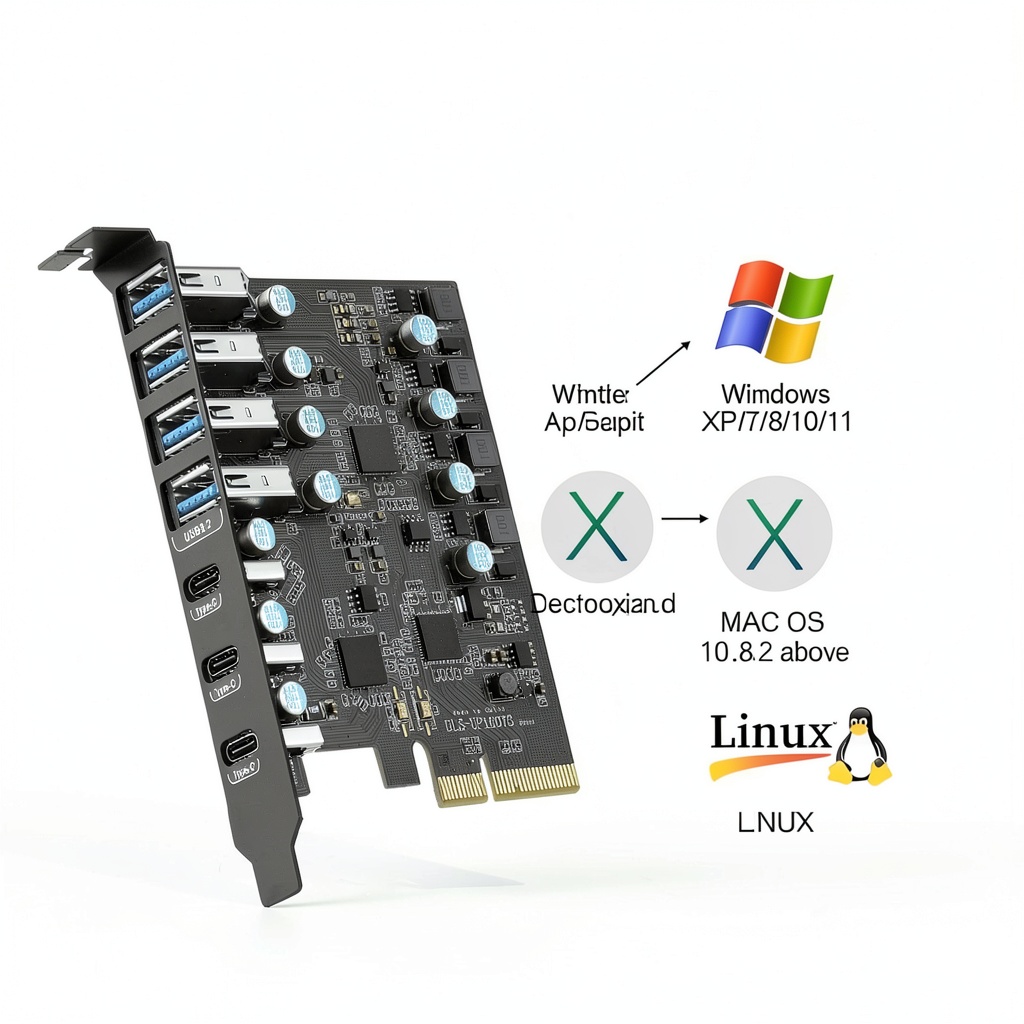
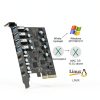
Ideal for professionals who need fast data transfer, gamers adding peripherals, and home users expanding storage options. Connect external SSDs, high‑resolution webcams, VR headsets, or a USB‑C monitor without sacrificing speed. The card works seamlessly with Windows 7/8/10/11 (32/64‑bit) and macOS 10.8.2 and later, making it a versatile upgrade for a wide range of systems.
Why Choose Us
FANBLACK combines rigorous testing with premium components to ensure stable, low‑latency connections. The PCIe interface guarantees a direct link to the motherboard, reducing bottlenecks common with external hubs. Each unit includes a one‑year product care plan and 24/7 technical support, so you can rely on quick assistance if any issue arises.
Key Features
- Seven high‑speed ports (4 × USB‑A, 3 × USB‑C) for maximum connectivity.
- Up to 20 Gbps combined bandwidth ensures rapid file transfers and smooth peripheral performance.
- Direct PCIe connection provides a stable, low‑latency link without external power cables.
- Broad OS compatibility – works with Windows 7‑11 and macOS 10.8.2+.
- One‑year warranty and 24/7 technical support for peace of mind.
FAQ
Will this card work in a laptop?
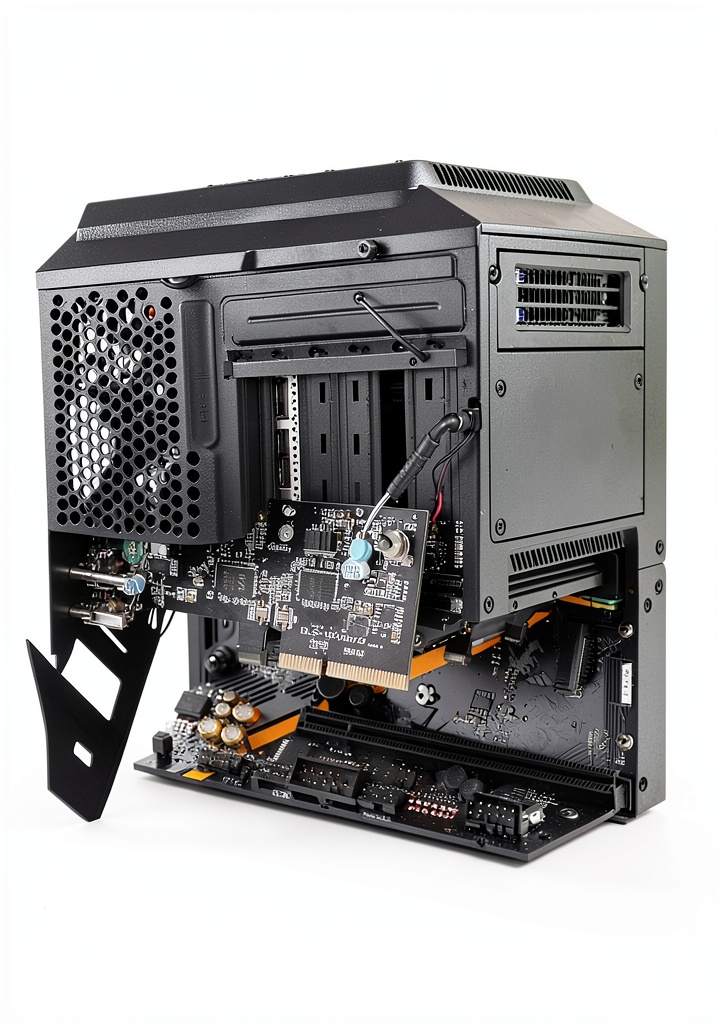
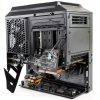
No, the card requires an internal PCI‑Express slot, which is only available in desktop motherboards.
Do I need an external power adapter?
No external adapter is required; the card draws all necessary power from the PCIe slot (5 V/12 A max).
Can I use the USB‑C ports for charging devices?
The ports provide up to 5 V/12 A for high‑power devices, but they do not support USB Power Delivery or BC 1.2 fast‑charging standards.
Is driver installation necessary?
The card uses standard USB drivers built into Windows and macOS, so no additional driver installation is needed.
What is the maximum length of USB cable I can use?
For optimal performance, keep USB‑A cables under 5 meters and USB‑C cables under 3 meters.
Reviews
There are no reviews yet.