
Description
Product Overview
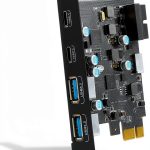
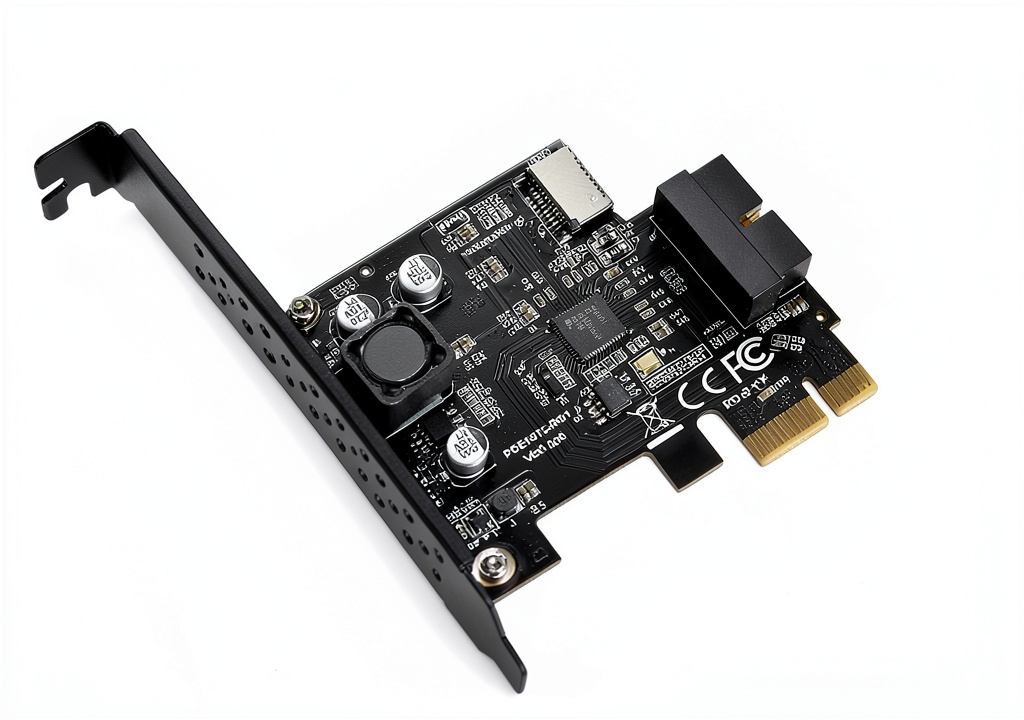
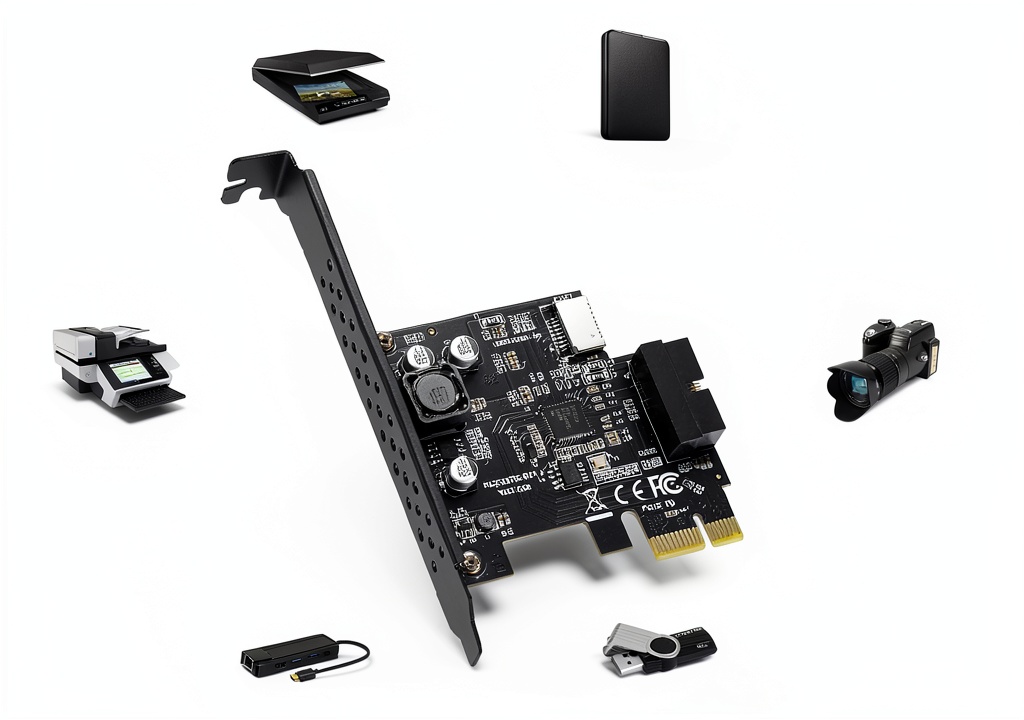
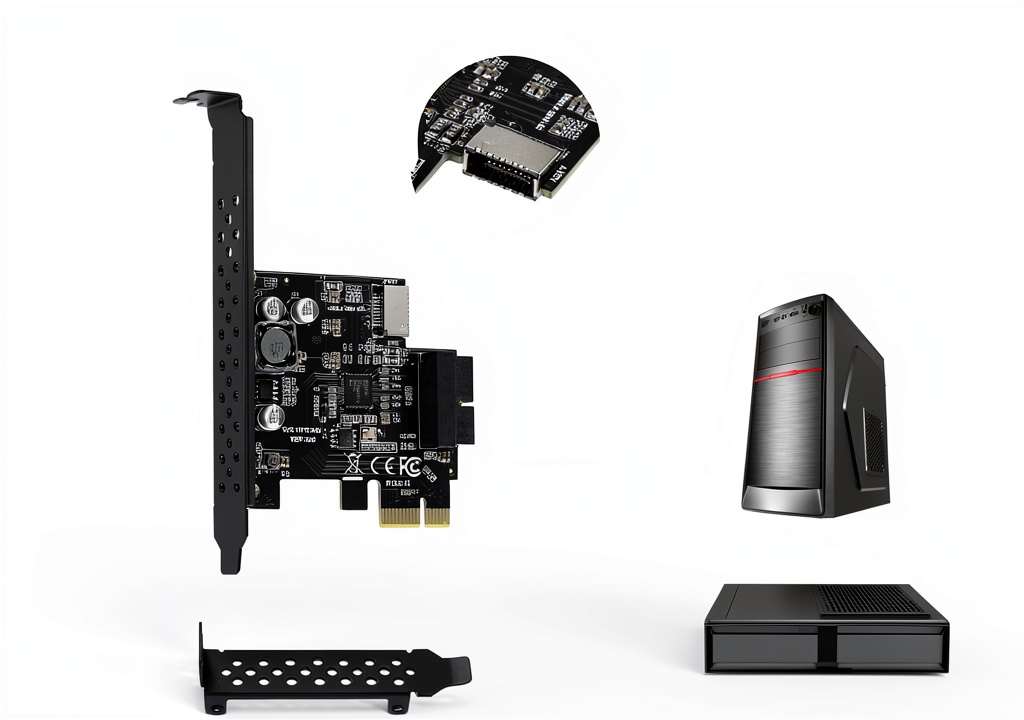
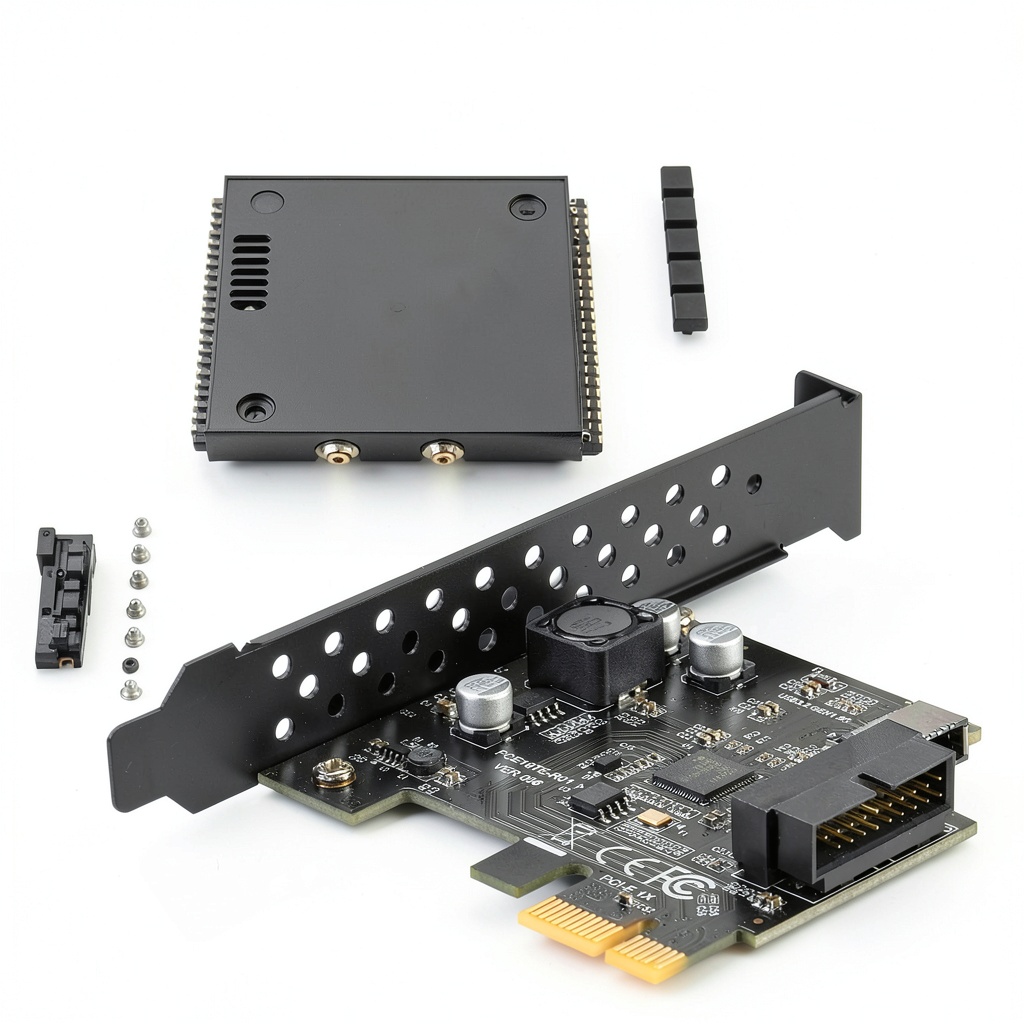
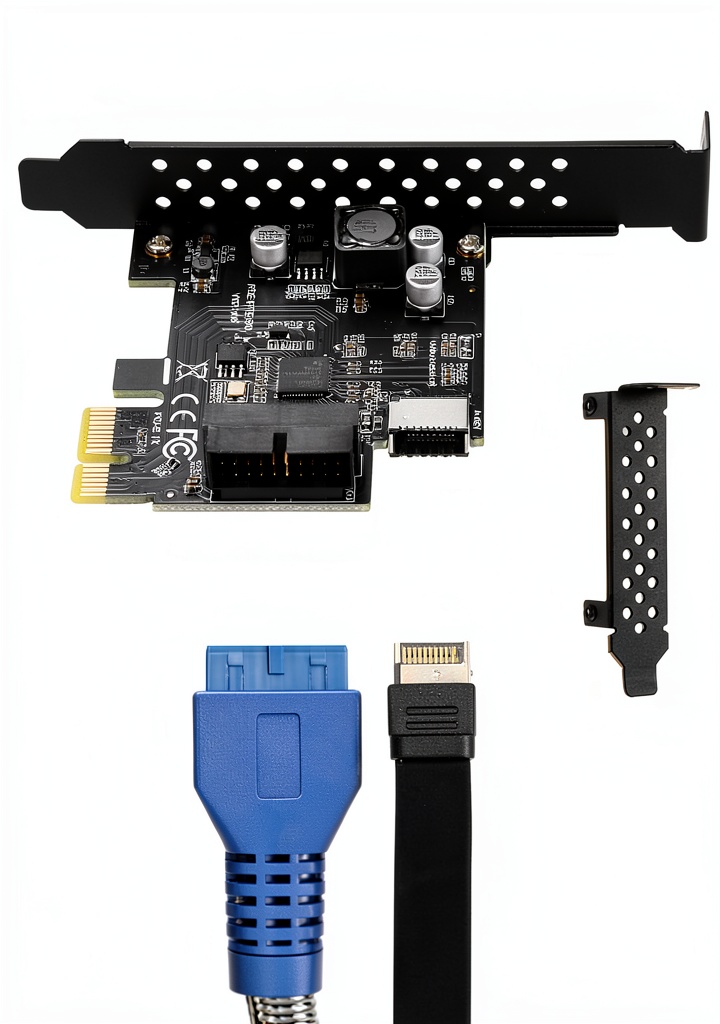
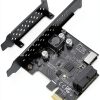
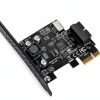
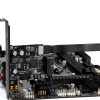
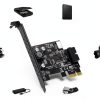
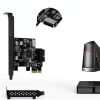
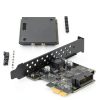
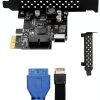
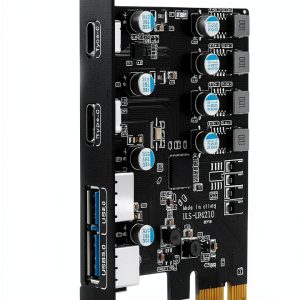
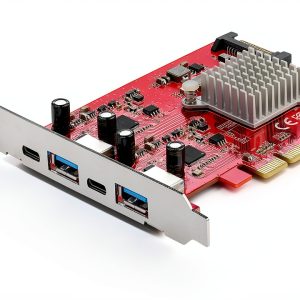
The BEYIMEI BY-PEXUSB3C is a compact internal expansion card that converts a single PCI‑E slot into a high‑performance USB 3.2 Gen1 interface. Designed for desktop computers, the card provides a Type‑E front‑panel header for easy cable management and a 19‑pin USB 3.0 connector for additional peripheral support. With a maximum data rate of 5 Gbps, it handles large video files, high‑resolution photos, and fast backups without bottlenecks. The card measures 5 × 4.06 × 1.14 inches and weighs just 1.94 ounces, making it a lightweight addition that fits into most ATX cases. The Renesas D720201 chipset ensures stable operation across a wide range of operating systems, including Windows XP through Windows 11 and popular Linux distributions. ![[Product front view showing all components]](https://www.shopexpos.store/wp-content/uploads/2026/06/09c58ee4e10d41e68c3cd4e71f7db626.jpg)
Usage
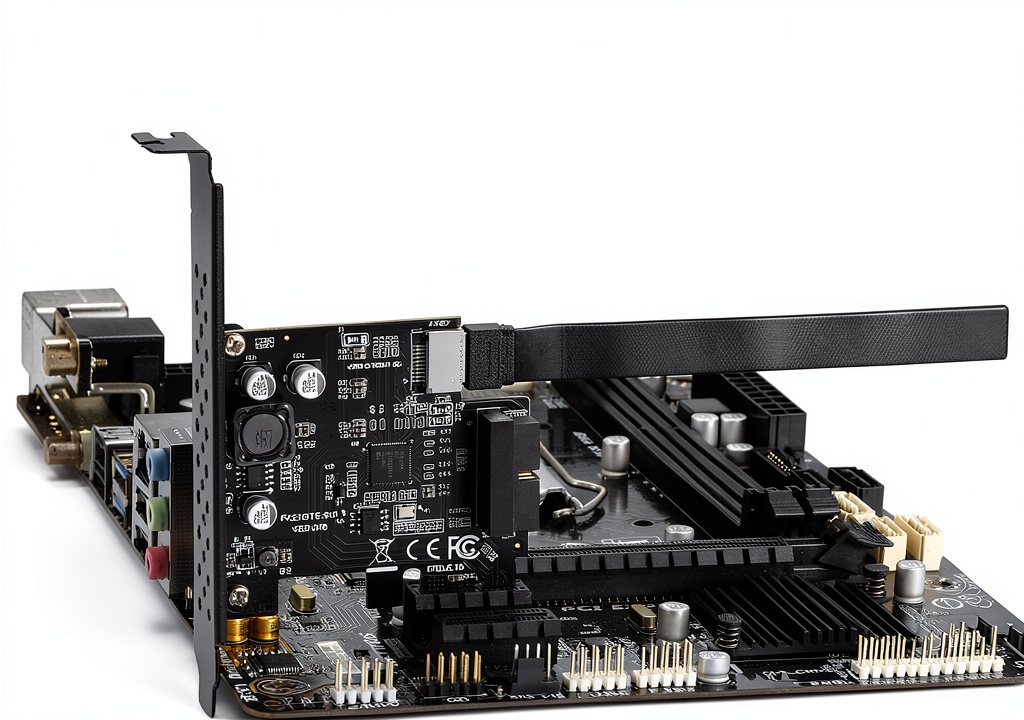
This adapter is ideal for gamers, content creators, and professionals who need reliable, high‑speed USB connections for external SSDs, VR headsets, high‑resolution webcams, and other bandwidth‑intensive devices. Install the card into any available PCI‑E x1, x4, x8, or x16 slot, secure it with a screw, and connect the front‑panel cable to your case’s Type‑E header. The 19‑pin USB 3.0 port can be routed to a rear panel bracket or used for custom enclosures. Because the card is OS‑agnostic, it works seamlessly in dual‑boot environments and in workstations that run Linux for development or scientific computing. Whether you are building a new workstation or upgrading an older system, the BY‑PEXUSB3C provides a straightforward path to modern USB performance.
Why Choose Us
BEYIMEI has a reputation for delivering reliable internal expansion solutions, and this USB adapter continues that tradition. Each card undergoes rigorous quality testing to meet a 4.4‑star rating from over 800 verified customers. The use of a Renesas chipset guarantees low latency and consistent throughput, while the sturdy metal chassis protects the circuitry from electromagnetic interference. Our after‑sales support includes a dedicated technical help line and a one‑year warranty, ensuring that any installation or compatibility question is answered promptly. The card’s universal PCI‑E compatibility means you won’t need to worry about slot limitations, and the compact form factor leaves plenty of room for other expansion cards. Choose BEYIMEI for a blend of performance, durability, and responsive customer service.
Key Features
- Fast 5 Gbps USB 3.2 Gen1 speed lets you transfer large files in seconds, improving workflow efficiency.
- Type‑E front‑panel header simplifies cable routing and keeps your desk tidy.
- 19‑pin USB 3.0 socket adds extra connectivity for legacy devices without sacrificing performance.
- Universal PCI‑E compatibility (x1, x4, x8, x16) fits a wide range of motherboards and case designs.
- Comprehensive one‑year warranty and responsive technical support give you peace of mind.
FAQ
Will this card work in a laptop?
No, the BY‑PEXUSB3C is an internal PCI‑E card intended for desktop computers. Laptops typically lack the required PCI‑E slot, but you can use an external USB 3.2 hub for similar functionality.
Do I need to install drivers?
The card uses a standard USB 3.2 controller that is natively supported by modern Windows and Linux kernels, so no additional drivers are required for basic operation. Advanced features may benefit from the optional BEYIMEI utility.
Can I use the card with a Windows 7 system?
Yes, the adapter is compatible with Windows 7 (32‑bit and 64‑bit) as well as newer Windows versions. Ensure you have the latest service packs installed for optimal stability.
What is the difference between Type‑E and Type‑C?
Type‑E is a legacy front‑panel connector used in many desktop cases to route USB signals to the front of the chassis. It provides the same electrical performance as a Type‑C port but uses a different physical connector. The adapter converts the Type‑E header to a high‑speed USB 3.2 signal.
Is the card hot‑swappable?
While the hardware can be installed or removed without powering down the system, we recommend shutting down the computer to avoid potential data loss or hardware conflicts.
}
Reviews
There are no reviews yet.